Unlock the Real Power of AI: Inside the Anthropic Console and Google AI Studio
Tags: AI Agents, AI Development, AI for Beginners, Anthropic Console, Build AI Apps, Claude AI, Generative AI, Google AI Studio, No-Code AI, Prompt Engineering, Vibe Coding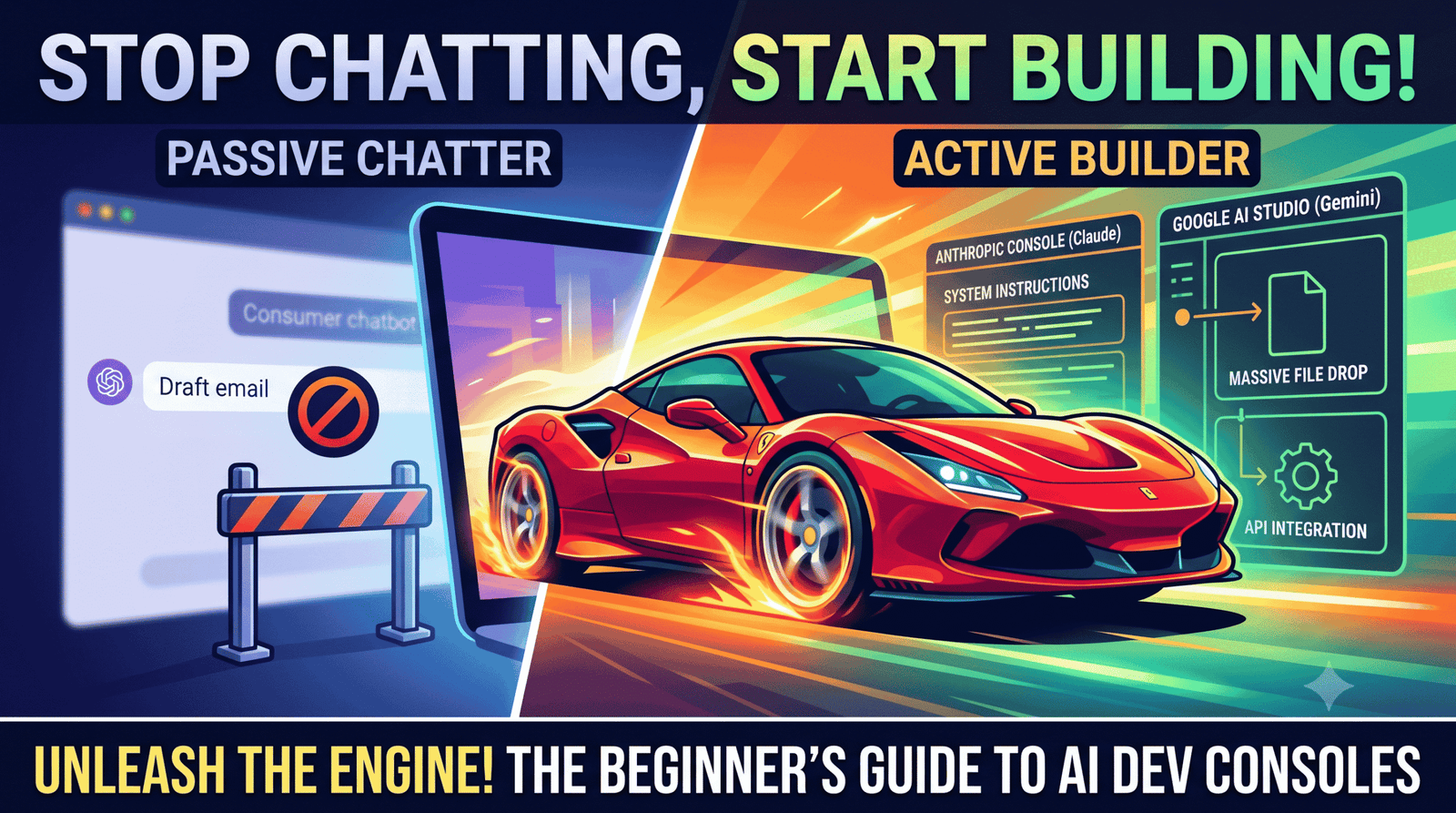
If you’re still just using AI by typing a question into a chat box, waiting for it to type back, and then copying and pasting the answer… you’re barely scratching the surface. It’s like buying a ridiculously fast sports car and never driving it past 20 miles an hour. You’re completely missing out on what the engine can actually do! Use Anthropic Console and Google AI Studio
Don’t get me wrong: standard chat interfaces are great for drafting emails, summarizing long articles, or troubleshooting a weird bug in your spreadsheet. But the moment you try to build a repeatable workflow, design a custom tool, or create software that runs on automation, those basic chat windows hit a wall. You lose your prompt history, the AI forgets its rules midway through a project, and you can’t connect the model to external data or software.
To actually build with AI, you need to step behind the curtain into developer playgrounds. Right now, the two most powerful, user-friendly launchpads on the internet are Google AI Studio and the Anthropic Console.
And here is the biggest secret in tech: You do not need to be a software engineer to use them.
If you can write instructions in plain English, you have enough technical skill to build prototypes, automate complex workflows, and test frontier AI models today. Here is your complete, zero-fluff guide to graduating from passive chatter to active AI builder.
Why Move Past the Chat Window? (The Mindset Shift)
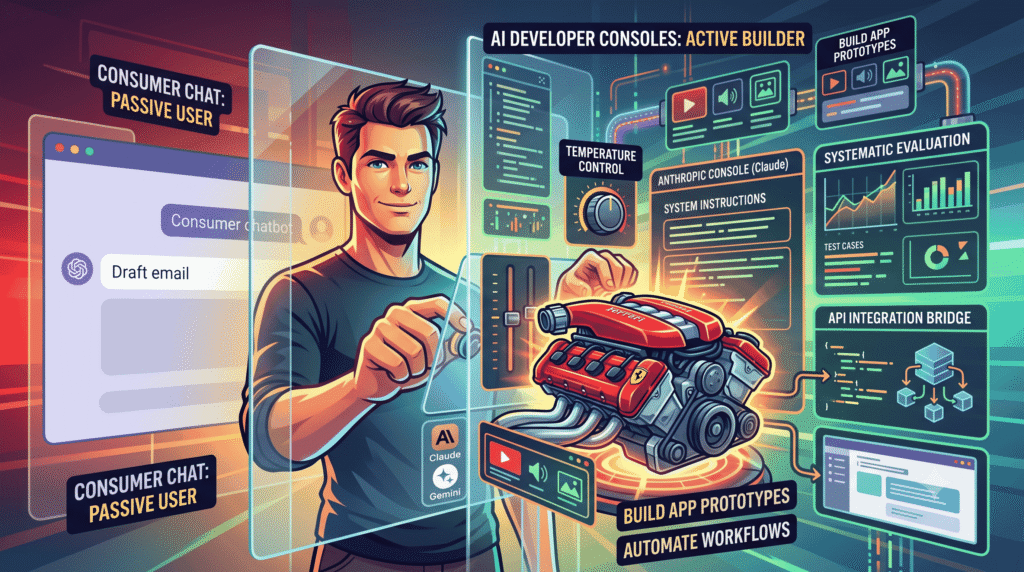
When you use a consumer app, you are interacting with a finished product. The developers decided the system instructions, the temperature (creativity level), the context window limits, and the memory constraints for you.
When you log into an AI developer console, you get direct access to the raw engine. Shifting to a builder’s mindset gives you three massive advantages:
- Total Behavioral Control: Instead of begging a chatbot to “act like a senior financial analyst,” you can bake an unbreakable persona, exact output schemas (like JSON or Markdown tables), and rigid negative constraints directly into the model’s System Instructions.
- Systematic Testing: In a chat app, you test a prompt once and hope it works tomorrow. In a console, you can save structured prompts, run side-by-side model comparisons, and systematically evaluate how tweaks change the output.
- The Bridge to Real Software: Consoles let you turn your plain-English instructions into API calls or working UI prototypes with a single click. It is the exact bridge between an idea in your head and a functional tool you can share with your team.
Part 1: Google AI Studio (Your Playground for Multimodal & “Vibe Coding”)
If you want the fastest, most frictionless on-ramp to building real-world prototypes, Google AI Studio is where you start [1.2.1]. It is a browser-based playground designed around the Gemini model family [1.2.1], and it has evolved into a powerhouse for visual thinkers and rapid prototypers [1.2.1, 1.2.3].
Why You’ll Love It
Google AI Studio feels less like a sterile coding dashboard and more like an interactive laboratory [1.2.1]. It has one of the most generous free tiers available for developers and experimenters [1.2.1], giving you access to massive context windows without needing to attach a credit card just to learn the ropes.
Core Features You Need to Try
- Massive Multimodal File Drop: While standard chatbots struggle if you attach more than a few PDFs, Google AI Studio lets you drag and drop hours of raw video, massive audio files, codebases, and hundreds of images directly into the prompt box [1.2.1, 1.2.4]. Want to analyze a 45-minute recorded Zoom meeting or extract data from a 300-page scanned manual? You do it here in seconds.
- System Instructions That Actually Stick: In the right-hand or top panel, you’ll find the System Instructions box [1.2.4]. This is where you program the AI’s core logic [1.2.1]. Anything placed here acts as constitutional law for the model—it won’t drift or forget its instructions, no matter how long your conversation or workflow becomes.
- “Build Mode” and Instant Vibe Coding: If you have an idea for an app—say, a custom interactive calculator, a flashcard tool, or a project management tracker—you can describe it in plain English. AI Studio can generate working code and render an interactive, functional web application right inside your browser [1.2.1, 1.2.3]. You can test the software immediately, tweak parameters, and iterate without writing a single line of JavaScript or CSS [1.2.1, 1.2.3].
- Compare Mode: Not sure if a smaller, super-fast model (like Gemini Flash) can handle your task as well as a heavy-duty reasoning model (like Gemini Pro)? Compare Mode lets you run the exact same prompt through multiple models simultaneously so you can evaluate speed, cost, and output quality side-by-side [1.2.4].
Part 2: The Anthropic Console (Where Serious AI Agents Live)
If Google AI Studio is a high-speed multimedia lab, the Anthropic Console (the home of the Claude model family) is the precision engineering workshop [1.1.1].
Developers, founders, and enterprise teams flock to Anthropic because Claude is widely regarded as the industry benchmark for nuanced reasoning, complex coding, and following intricate, multi-step instructions without hallucinating [1.1.2].
Why You’ll Love It
The Anthropic Console is clean, minimalist, and built for reliability [1.1.1]. It is designed specifically to help you build agentic workflows—systems where the AI can plan out a multi-step project, call external tools, and execute complex logic autonomously [1.1.1, 1.1.2].
Core Features You Need to Try
- The Workbench: The Workbench is your primary testing ground. Here, you can craft your system prompts, inject user messages, and finely tune hyperparameters like Temperature (lower it to 0.0 for factual, analytical accuracy; raise it for creative brainstorming) and Max Tokens [1.1.1, 1.1.4]. It gives you a clean, distraction-free environment to perfect your prompt architecture.
- The Built-in Prompt Generator: Writing production-grade prompts is a skill that takes months to master. Anthropic solved this by building an AI prompt engineer directly into the console. You simply type a messy, one-sentence description of what you want (e.g., “I need a tool that checks Python code for security flaws and explains them to a junior developer”), click Generate, and the console writes a structured, multi-variable, XML-tagged prompt optimized specifically for Claude.
- Tool Use (Function Calling) & Skills: This is where you graduate from text generation to software automation. The Anthropic Console allows you to define “Tools” or “Skills” [1.1.1]. You can teach Claude how to interact with external APIs—telling it, “If a user asks about the weather, here is the exact data structure to fetch live temperatures from our database.” It’s the foundational building block for creating custom AI assistants that do real work in external software.
- Built-in Evaluations (Evals): When you build a serious workflow, you need to know if changing a prompt breaks things. Anthropic provides tools to test your prompts against dozens of test cases at once. You can see exactly where a prompt succeeds or fails across different scenarios before you deploy it to your team or customers.
Head-to-Head: Which Platform Should You Open First?
Both platforms are exceptional, but they shine in different scenarios. Here is how to choose your starting line based on your immediate project goals:
| Feature / Need | Google AI Studio | Anthropic Console |
| Primary Models | Gemini Pro, Gemini Flash [1.2.1] | Claude Opus, Claude Sonnet, Claude Haiku [1.1.4] |
| Best For | Massive file uploads, video/audio analysis, instant visual web apps [1.2.1, 1.2.4] | Complex reasoning, high-precision coding, multi-step agentic tasks [1.1.2] |
| Free Tier / Entry Cost | Very Generous: Massive daily quotas for prototyping at zero cost [1.2.1] | Pay-As-You-Go: Requires adding small API credit to test deeply, but very affordable |
| Multimodal Strength | Unmatched: Native understanding of long video, audio, and images [1.2.1] | Strong Vision: Excellent image/chart parsing; text-focused engine |
| Prompt Assistance | Clean interface with system instructions and compare modes [1.2.4] | Best-in-Class: Built-in automatic prompt generator and optimization tools |
| Ideal Starter Project | Build a functional, clickable web app or analyze an hour of video [1.2.1, 1.2.3] | Build an automated document analyzer or complex data-extraction pipeline |
Your 15-Minute Action Plan (Start Without Writing Code)
Reading about AI architecture won’t build your intuition—getting your hands dirty will. Here is a 15-minute challenge to launch your builder journey today:
Step 1: Test “Vibe Coding” in Google AI Studio (8 Minutes)
- Navigate to Google AI Studio and sign in with your Google account.
- Select Build Mode (or chat mode with code execution enabled) [1.2.4].
- Type this exact prompt:”Build an interactive ROI calculator for a newsletter sponsorship. Include sliders for Subscriber Count, Open Rate, Click-Through Rate, and Sponsor CPM. Make the UI clean, modern, and show estimated revenue in real-time as the sliders move.”
- Watch the engine write the code and render the live, clickable application right in front of you [1.2.3]. Change a slider, spot a feature you want to add, and tell the AI to update it in plain English.
Step 2: Master Structured Prompting in the Anthropic Console (7 Minutes)
- Go to the Anthropic Console and open the Workbench.
- Instead of writing a prompt from scratch, look for the Generate Prompt feature.
- Enter a basic idea: “Analyze customer service emails, categorize the tone, extract the core problem, and draft a polite, helpful resolution.”
- Let the console generate a fully structured, professional prompt. Look at how it uses XML tags (
<instructions>,<examples>) to separate logic. - Test it by pasting a fake, angry customer email into the user variable box and watch how cleanly and predictably Claude handles the structured data.
Final Thoughts: From Prompter to Builder
We are living through a massive shift in how software and tools are created. For decades, building custom software required years of syntax memorization, complex environment setups, and computer science degrees.
Today, the barrier to entry is clarity of thought. If you can logically map out how a problem should be solved, you can build a tool to solve it.
Stop leaving your ideas trapped inside transient chat windows. Open Google AI Studio when you want to prototype visual apps and process massive multimedia files [1.2.1]. Open the Anthropic Console when you need airtight logic, brilliant coding assistance, and reliable agentic workflows [1.1.2].